Happy Halloween!

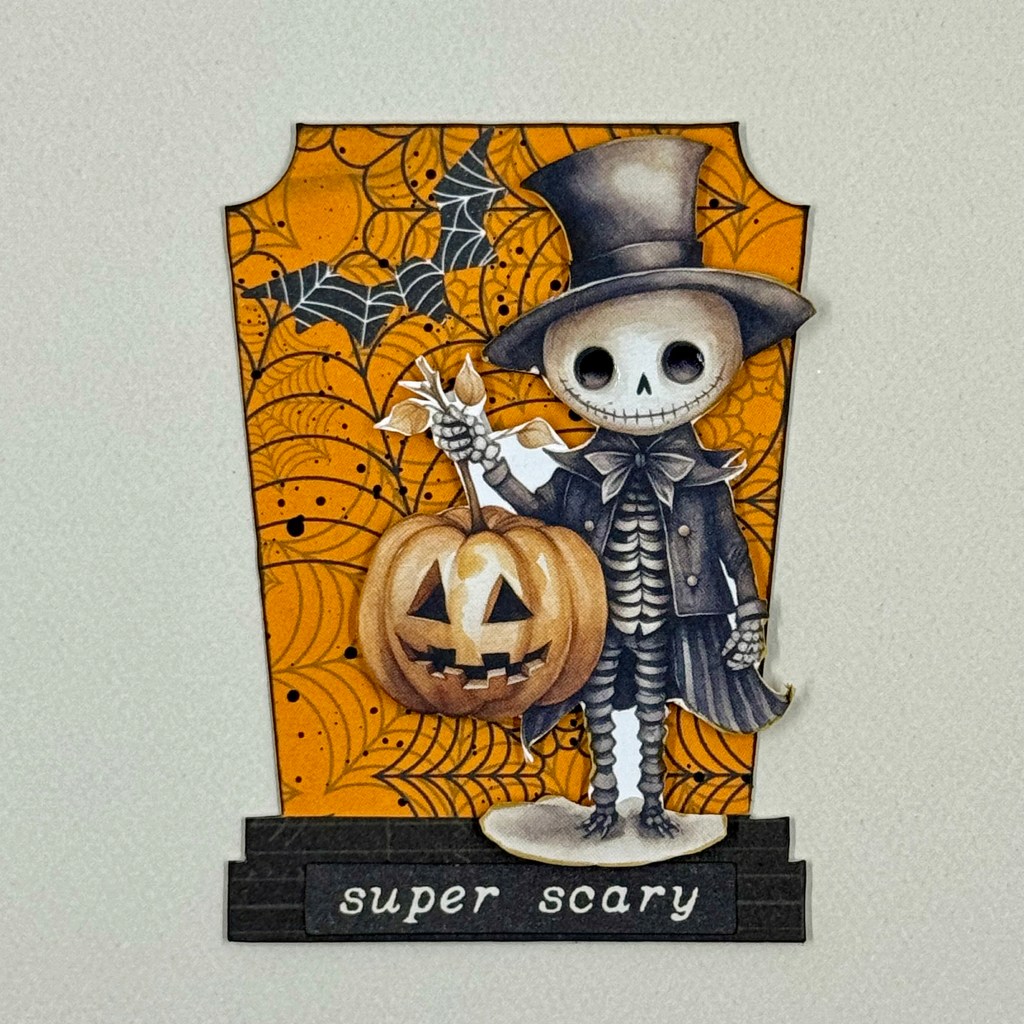
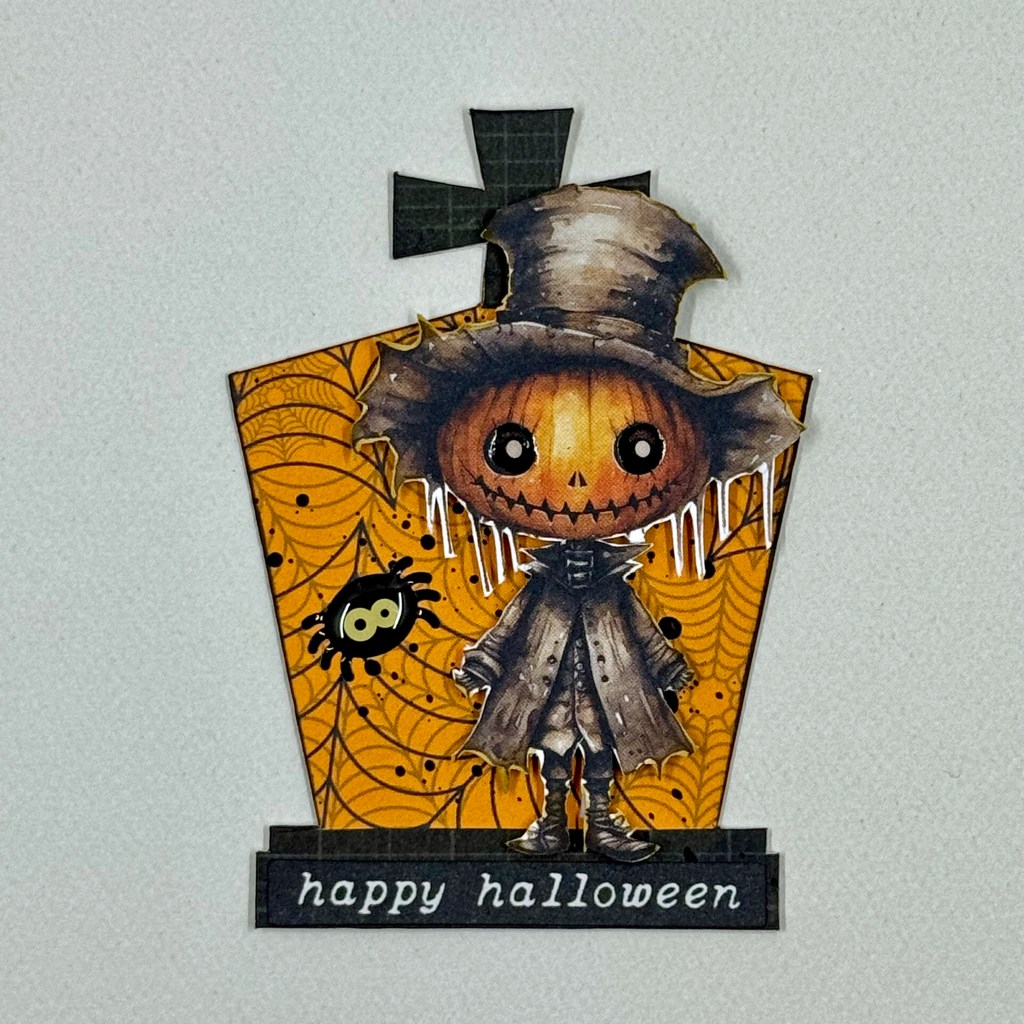
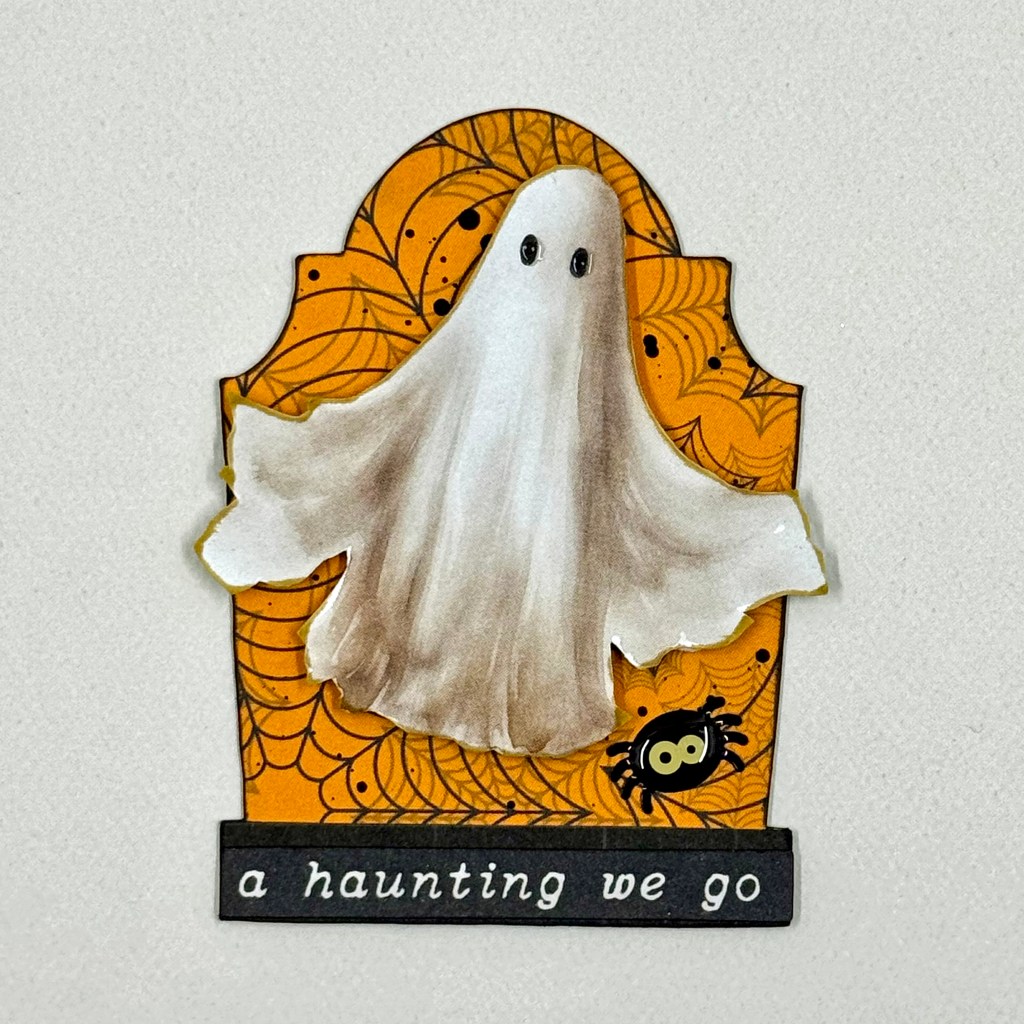
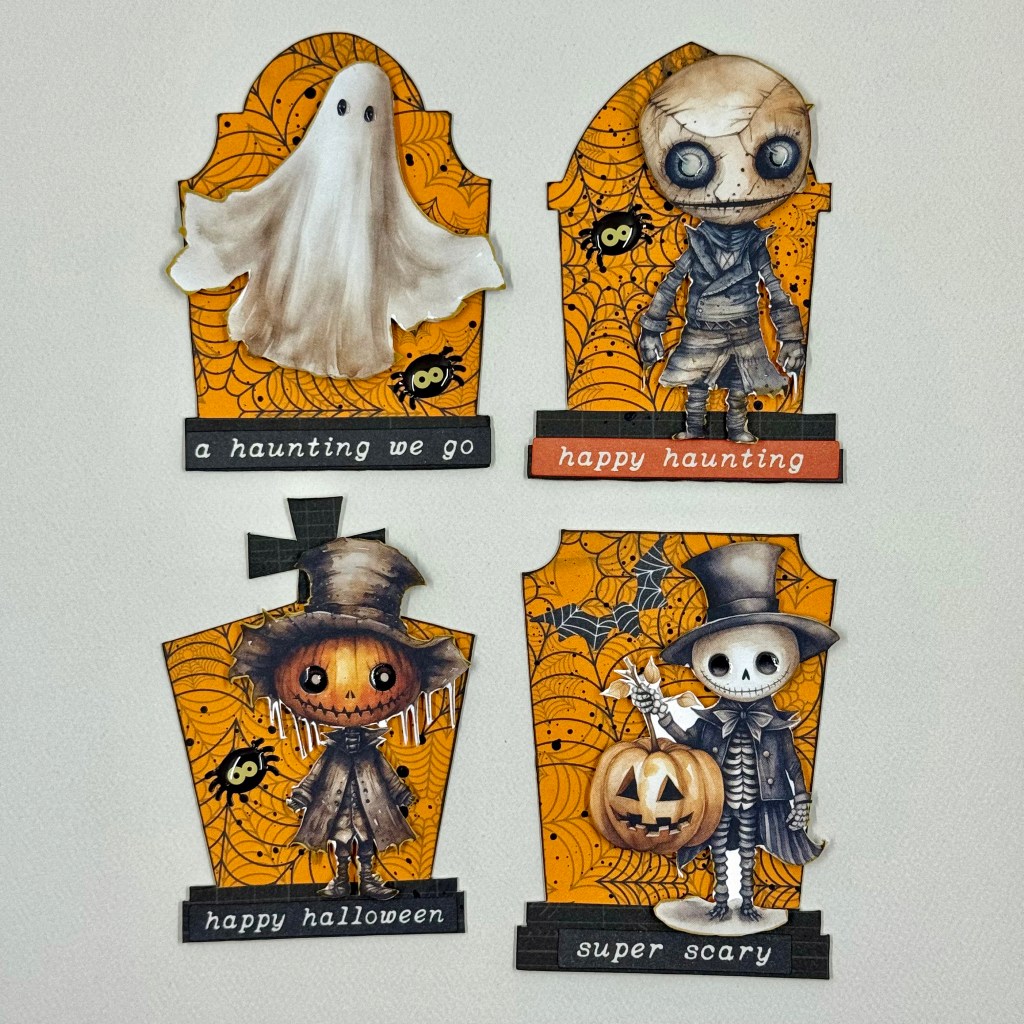
It’s time to get spooky, my friends! This Fall, I participated in an ATC (Artist Trading Card) swap with my VIP friends through Creative Scrapbooking Magazine. ATCs are out of my comfort zone, and this is only my second swap. But I was really inspired by the Halloween swap and had a blast designing these cute little cards. For those who haven’t made an ATC before, each miniature card measures 2 & 1/2″ by 3 & 1/2 inches. Such a small canvas to create on!

Here’s how they came together. I started by fussy-cutting four Halloween images from the Mintay Papers Halloween Book. It is full of whimsical images for creating cards, scrapbook pages, and many other creative projects. Each image was inked around the edges to add a distressed look. I wanted something different for the cards’ backgrounds and searched the Silhouette Design Store for an alternative. I decided that tombstones would be the perfect backdrop. I chose four separate designs for this purpose. Three of the backdrops came from Jillibean Soup – Halloween Tombstone (1 Design ID #384738, 2 Design ID #384737 & 3 Design ID #384739), and the last came from Lilium Pixel SVG – Days Til Halloween Tombstone (Design ID #386333). I resized each cut file to fit the ATC size requirements and cut them twice from BoBunny’s Fright Delight collection (12″ Fright Delight Spiders), and Doubledot Designs (12″ Licorice Journal). I trimmed the black tombstones away from the base of the cut file to mimic a stone foundation for each tombstone. Each stone base was adhered to the bottom of its respective tombstone.

Before assembling my cards, I splattered some black paint on the tombstones to further the distressed look. Once these backgrounds were dry, each image was adhered to a tombstone using Scrapbook Adhesives 3D Foam Squares.

I placed a Halloween phrase at the bottom of each tombstone using Simple Stories Ephemera Bits and Pieces from their Simple Vintage October 31st set. For additional texture and Halloween fun, I added a bat from this same collection of ephemera, and glossy spiders from Doodlebug Designs Shape Sprinkles (Spooky Spiders). To complete the cards I added Glossy Accents to the eyes of each fussy cut image.

And there you have it, friends, my sweet and spooky Halloween post. To all those Trick-or-Treaters, may your baskets be full of your favourite treats and no tricks tonight. Wishing you all a safe and fun Halloween! Until next time, stay safe, stay well, and Happy Scrapping!

’round Venice

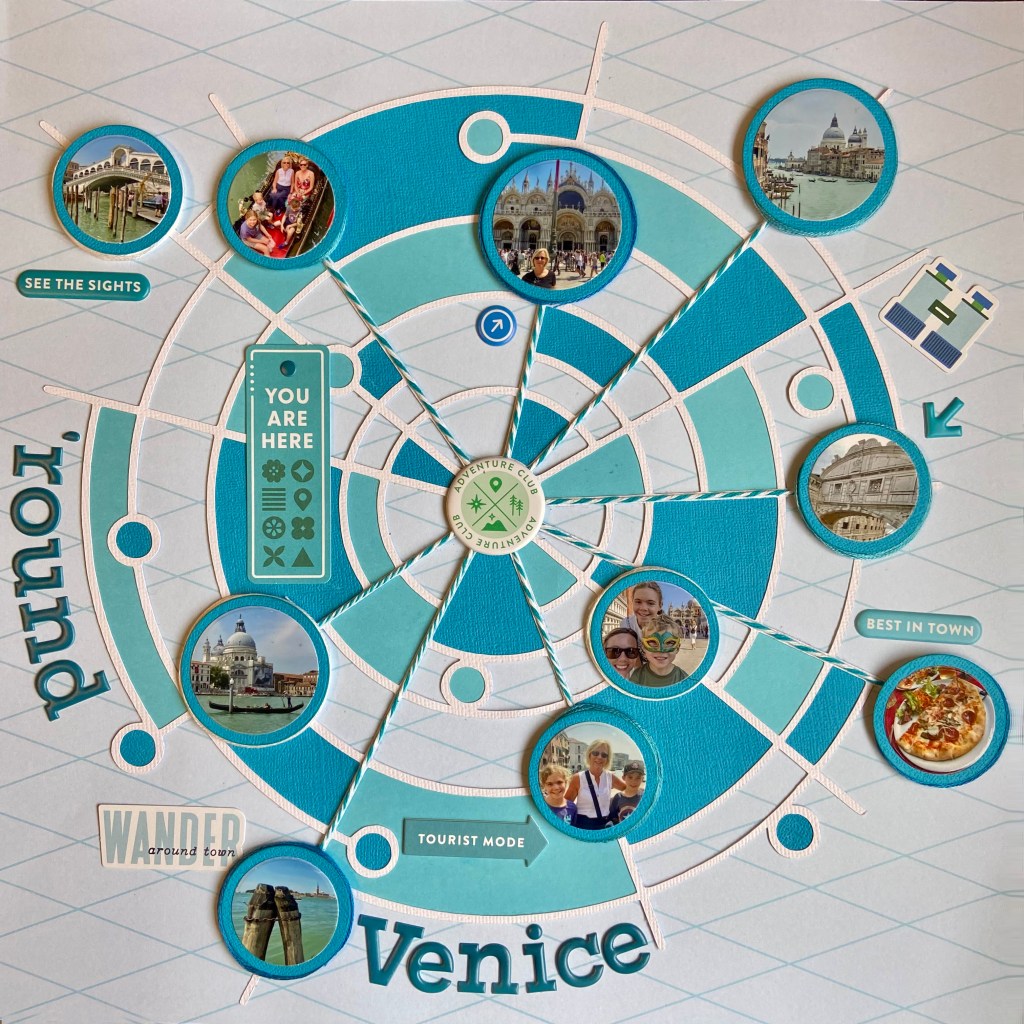
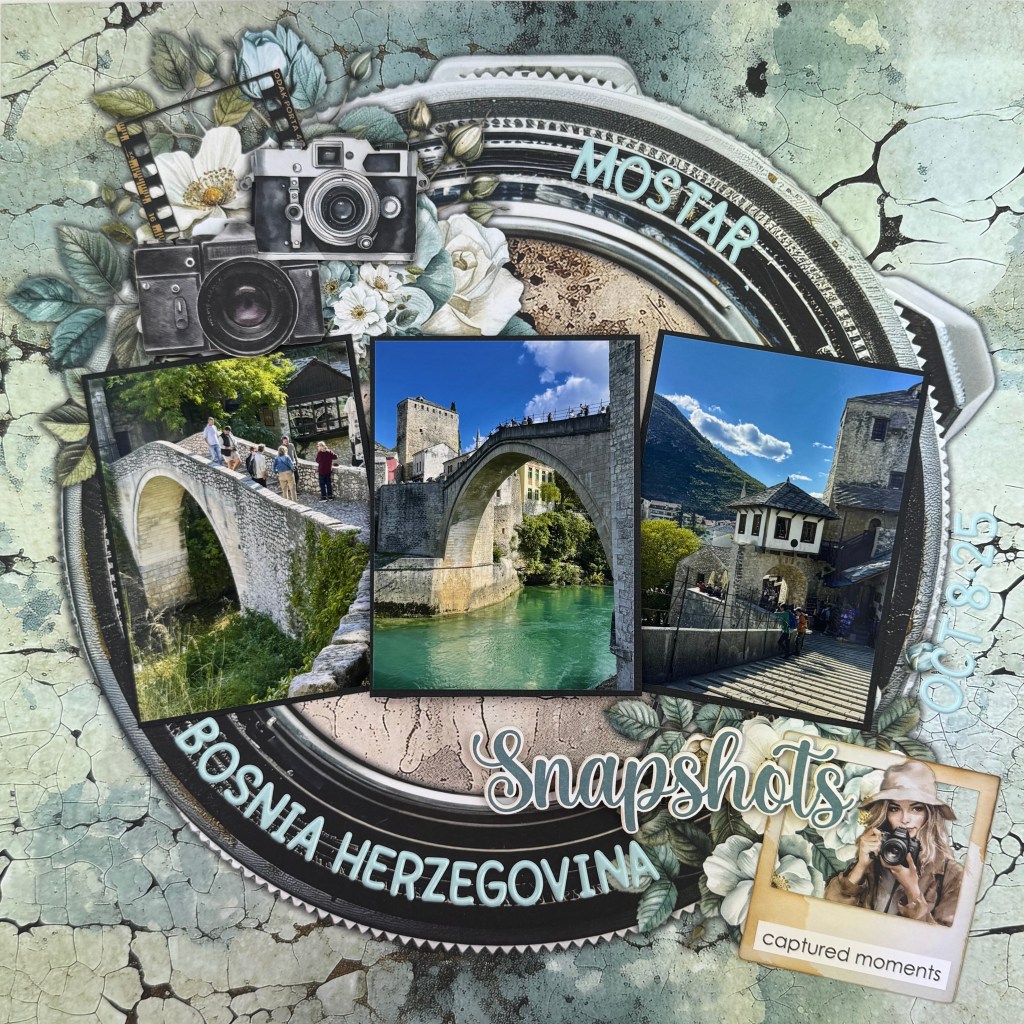
This past June, we experienced the delight of travelling to Venice with our daughter and family. To say that it was a magical time would be an understatement! We soaked in as much of the old city as possible in our time together. My highlight was a gondola ride with my daughter and three grandchildren. The beauty and mystique of this unique city really come to life when you ride a gondola down the winding canals. This layout was a way for me to capture the highlights of our incredible trip all on one page. I was honoured to have this layout published in Creative Scrapbooker Magazine’s Winter 2023/24 edition (page 96)!

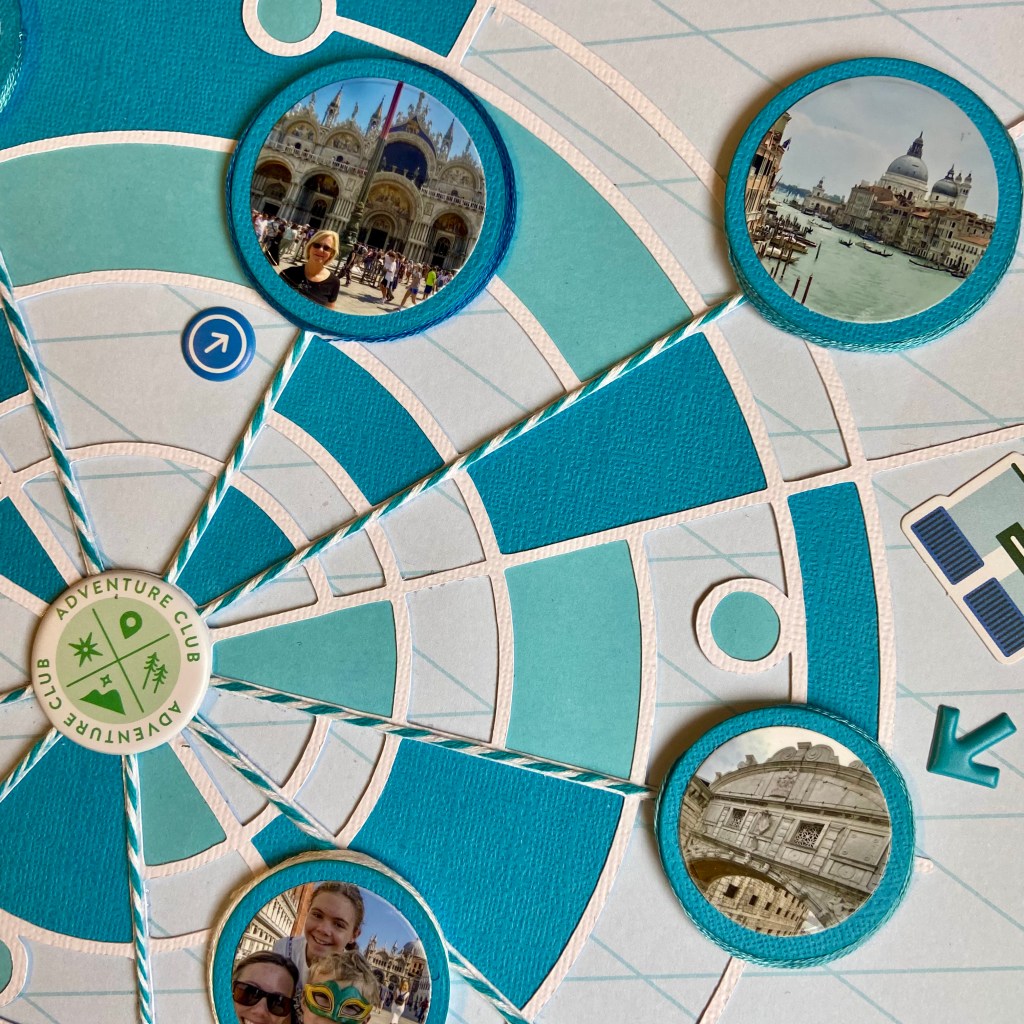
Trying to fit ten photos on one page was no small task. When I saw the Circles Within Circles cut file from Peartree Cutfiles, I immediately visualized a way to make it happen. My first step was to cut the file from white cardstock. Next, I imported the pictures I planned on using into my Silhouette software and resized them to fit into the designated circles on the cut file. The easiest way to ensure success with this technique is to use the “Bring to Front” option in the Silhouette software. Right-click on your cut file and select “Bring to Front”. Your photo(s) are now behind the cut file. Now, you can easily resize them to fit the section of the cut file you chose. Once sized and printed, I cut each photo with a circular die to fit each corresponding position on the cut file.

I turned to PinkFresh Studio’s Tourist Mode collection to design this layout. I focused on a monochromatic effect and chose blue to mirror the jewel tones of the water surrounding Venice. The next stage in creating this page involved backing parts of the larger cut file with blue-toned cardstock. I turned to the Silhouette software to assist in this task as well. By utilizing the “Fill” panel, I coloured sections in the cut file with corresponding shades of blue. Once I was happy with my selections, I copied, offset them, and cut them out using the Silhouette. Once all these pieces were adhered to the back of the cut file, the cut file was centred and secured to the background paper.

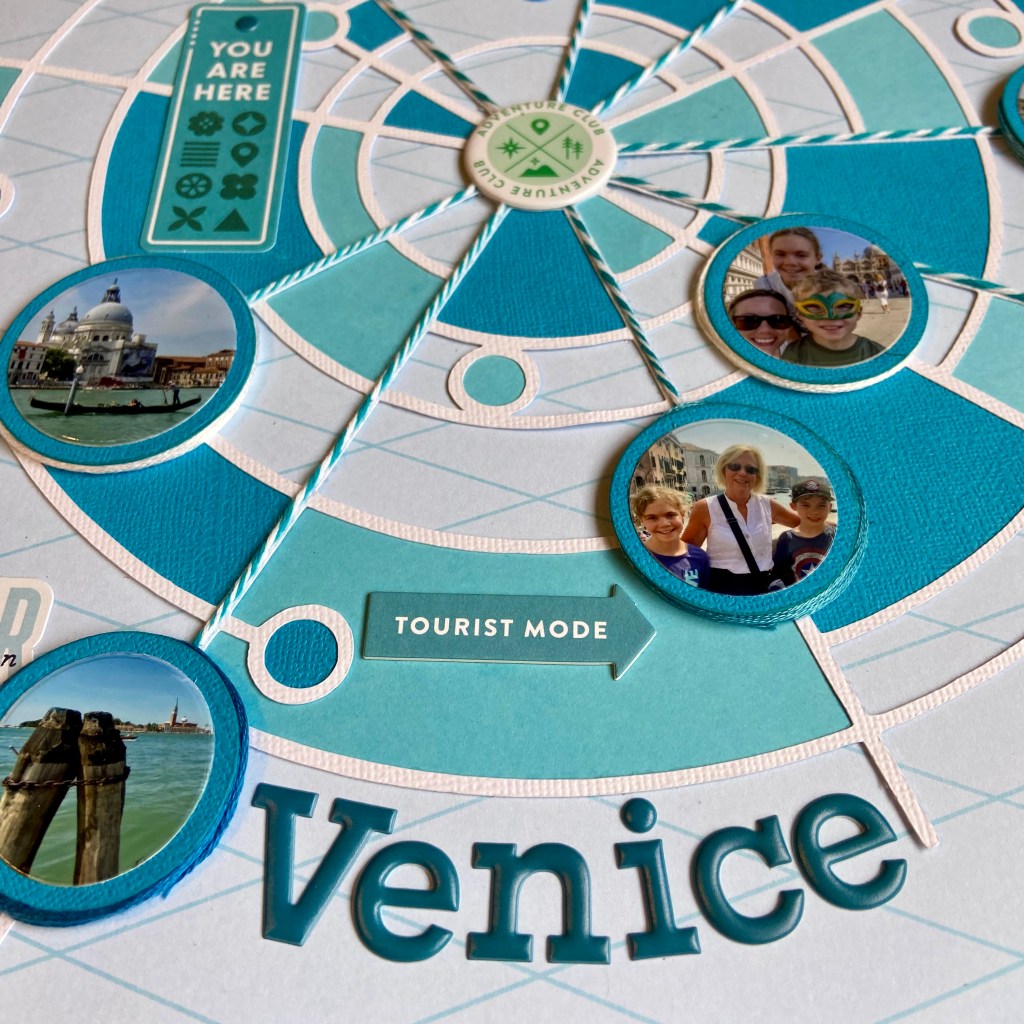
In preparation for completing the layout, I matted each photo on the page in blue cardstock with a slight offset for framing. Next, the strands of blue and white twine were secured to the layout, starting from the centre and ending at several pictures. This effect helps draw the eye to the photos and emphasizes the story of being all over the city. I secured each photograph to the page with a smaller piece of fun foam beneath. A small gap underneath the edge was filled by wrapping embroidery floss in coordinating colours.

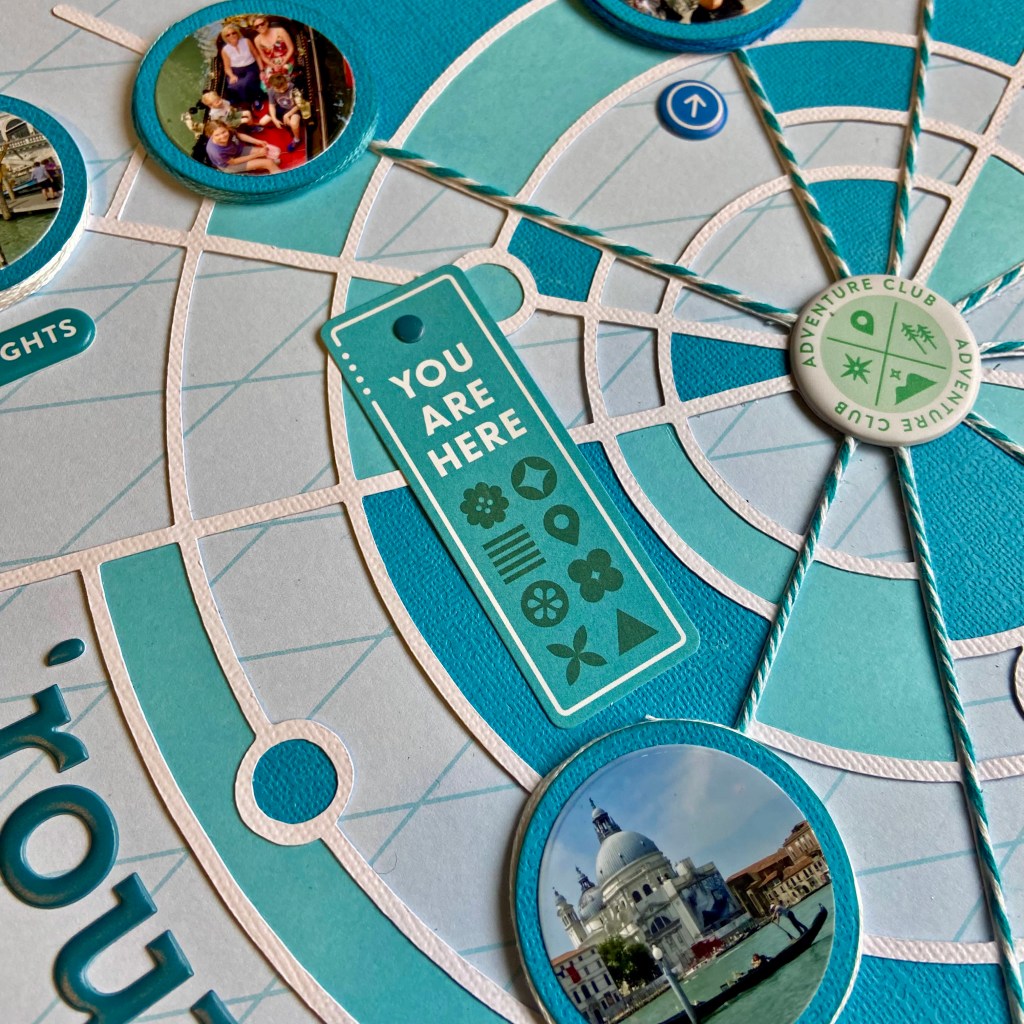
The rest of the layout came together quickly with additional elements from the Tourist Mode collection. The title was adhered with Puffy Alpha Stickers. Items from the Ephemera Pack, Chipboard Stickers and Puffy Stickers were all selected to coordinate with the monochrome effect.

I really stepped outside my box to create this layout. I traditionally focus on one or two photos per page when I scrapbook. I am really thrilled with the results and hope you agree. One scrapbook layout that sums up our activities in Venice! Thanks so much for stopping by today. Until next time, stay safe, stay well, and Happy Scrapping!
Hit the Reset Button

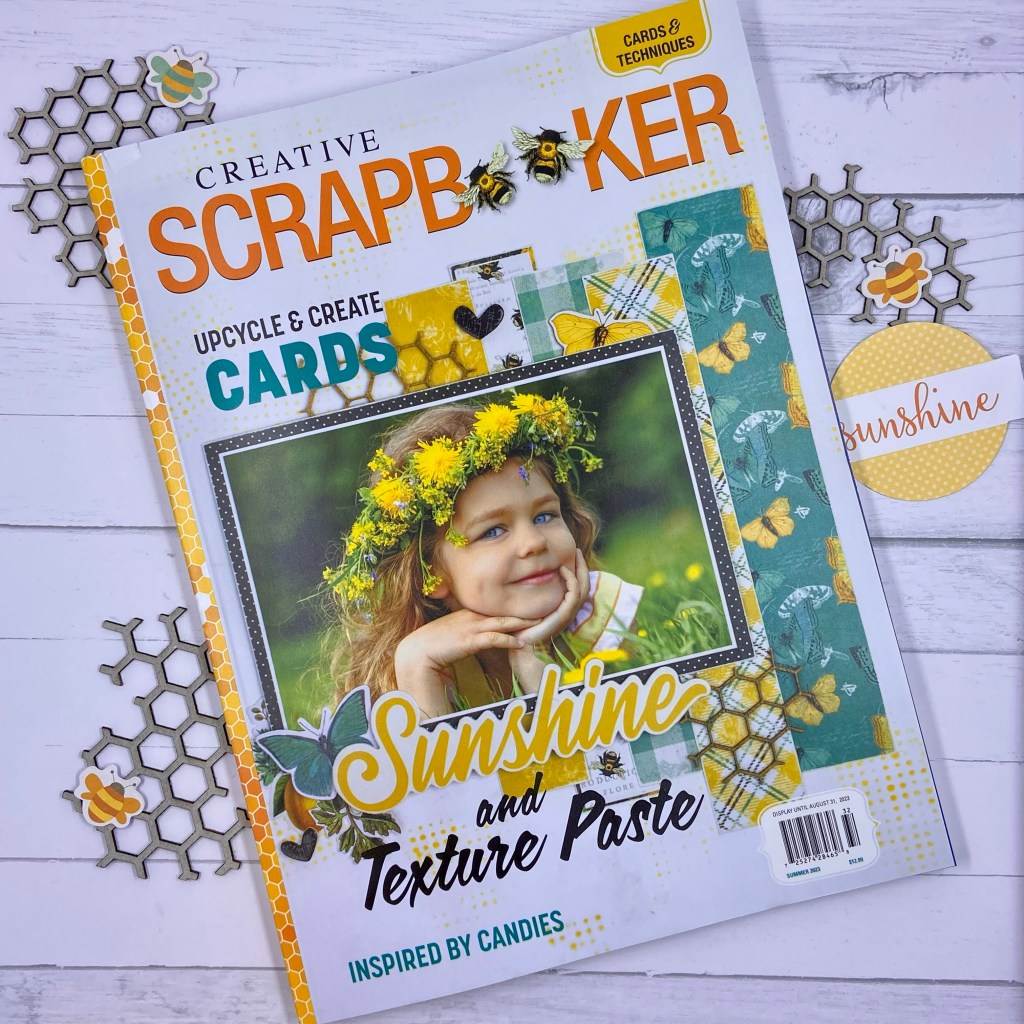
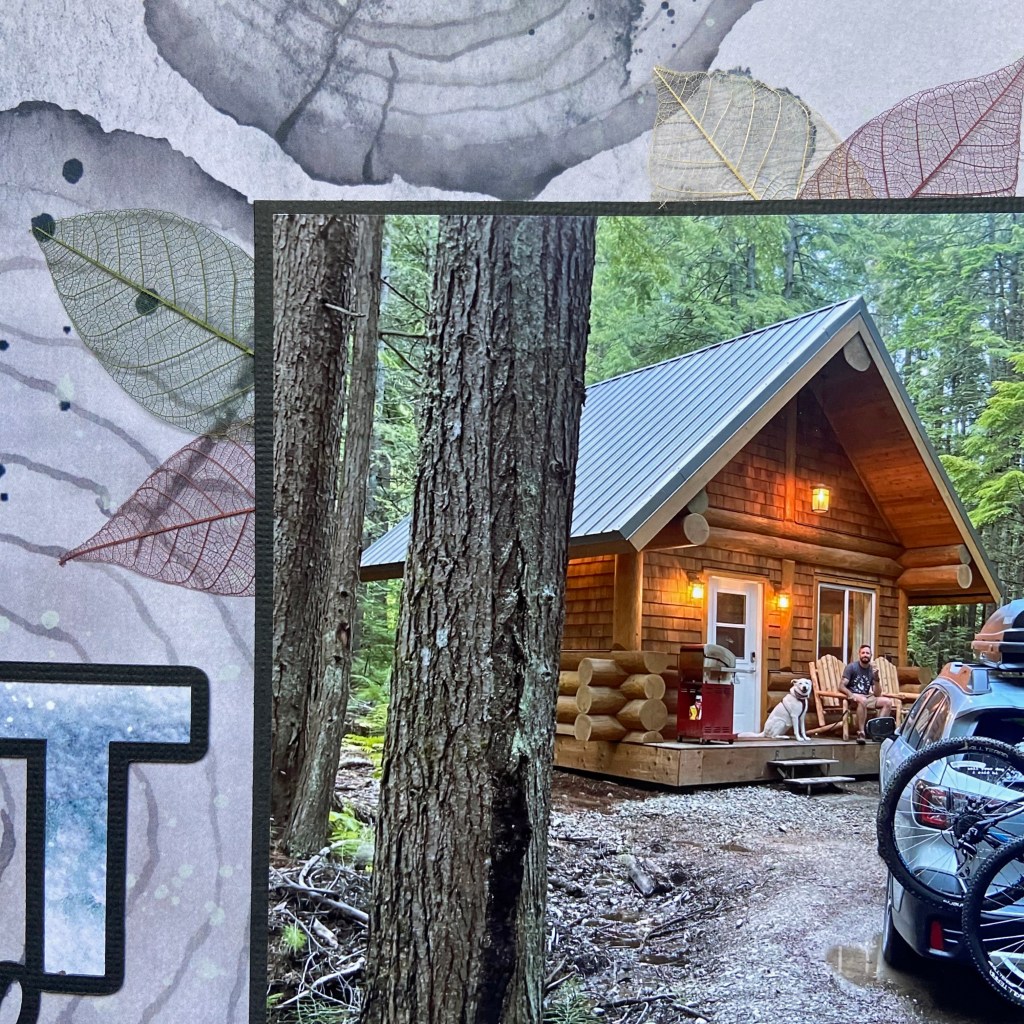
I am so honoured to have a couple of layouts published in the Summer 2023 edition of Creative Scrapbooker Magazine! If you don’t subscribe, be sure to get a copy. This magazine is chock full of inspiration! This layout (found on page 122) is very special to me. It marked the official beginning of my son’s and his wife’s honeymoon last summer. They are avid campers and they headed to the mountains to decompress following their wedding. This little cabin in the woods was a perfect getaway for their first few nights away.

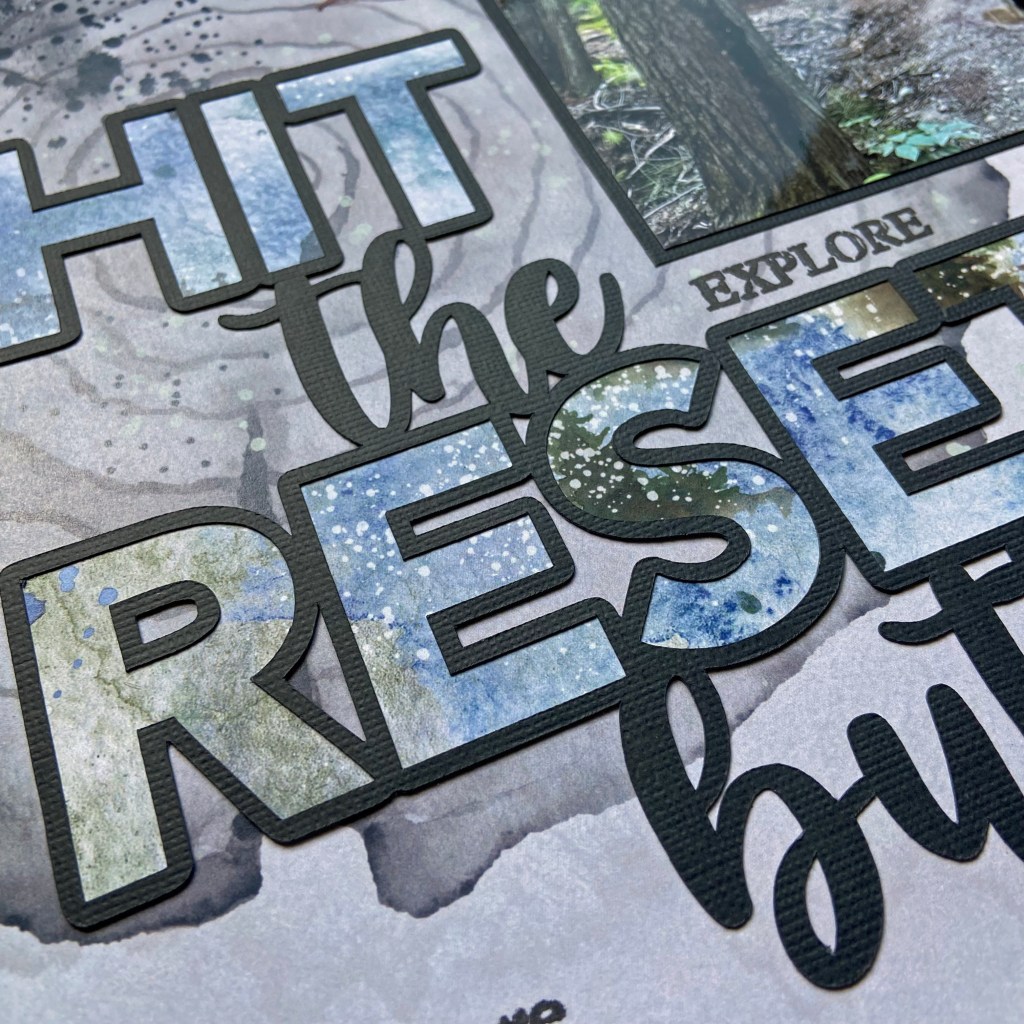
Peartree Cutfiles had the perfect cut file to complement this photo. The Hit the Reset Button was an excellent fit for the mood and feel of this layout.

I turned to Paper Rose’s Mountain Trek collection, once again, to create this layout. The background paper, Mountain Trek – B, provided the backdrop for this design. The cut file was backed with sections of Mountain Trek – D patterned paper. I love to incorporate stamping into my scrapbook pages and I turned to an older stamp set from Technique Tuesday, called Words We Love, to stamp the words EXPLORE and Adventure around the title. The Memory Misti is a perfect tool for stamping on your scrapbook pages. If you’re like me, you need a tool that allows you to stamp in the same place more than once!

I found some tri-coloured skeleton leaves in my scrapbooking supplies from at least a decade ago. I added a few of these leaves around the picture to help enhance the colours of the layout, provide a woodsy feel, and add some texture.

The final touches included fussy cutting the cabin and trees found on the coordinating Mountain Trek – C paper. They were simply glued directly onto the page. The date was added using Doodlebug Designs stickers.

I hope you’ve enjoyed learning about my process to create this layout. I am so grateful to have it included in the Summer 2023 edition of Creative Scrapbooker Magazine! Until next time, stay safe, stay well and Happy Scrapping!